

Ready to See the Difference in Your Campaigns?
Build your first page in 10 minutes. Free. No card required.

No credit card
Cancel anytime
Page ready in minutes
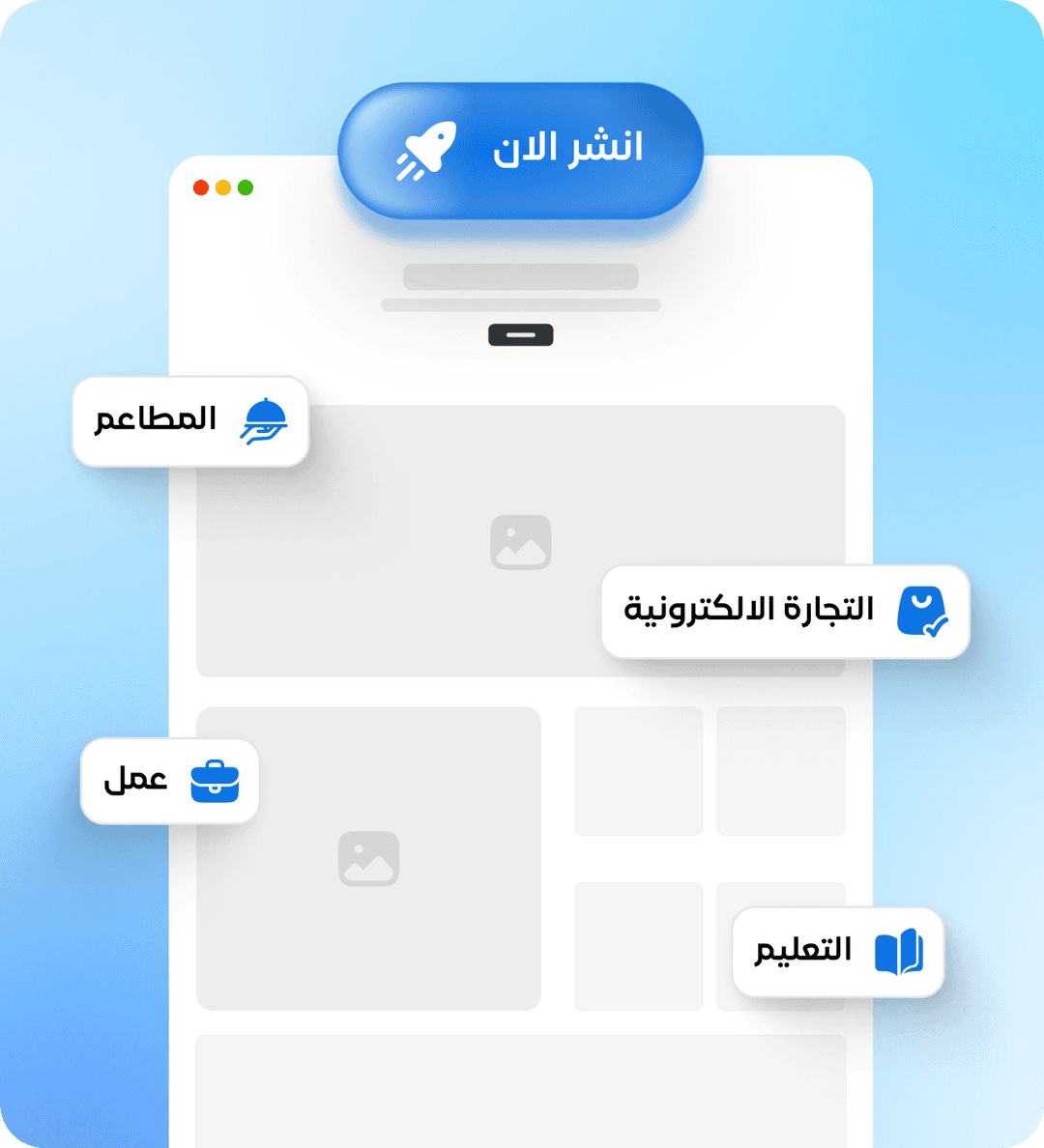
Stop waiting. You don't need a designer who takes a week and a budget. With Ouasl's editor, build an Arabic landing page ready for ads in one click.
 Explain the idea. Wait a week. Get a design.Request revisions. Wait 3 days. Get version two.

 Open the template. Try to edit. Design breaks with Arabic.Text from the left. Buttons in the wrong place only.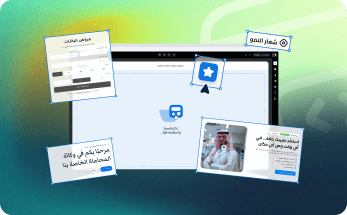
 Choose a ready Arabic template. Edit content. Publish.Page designed for the Arab market from the ground up.
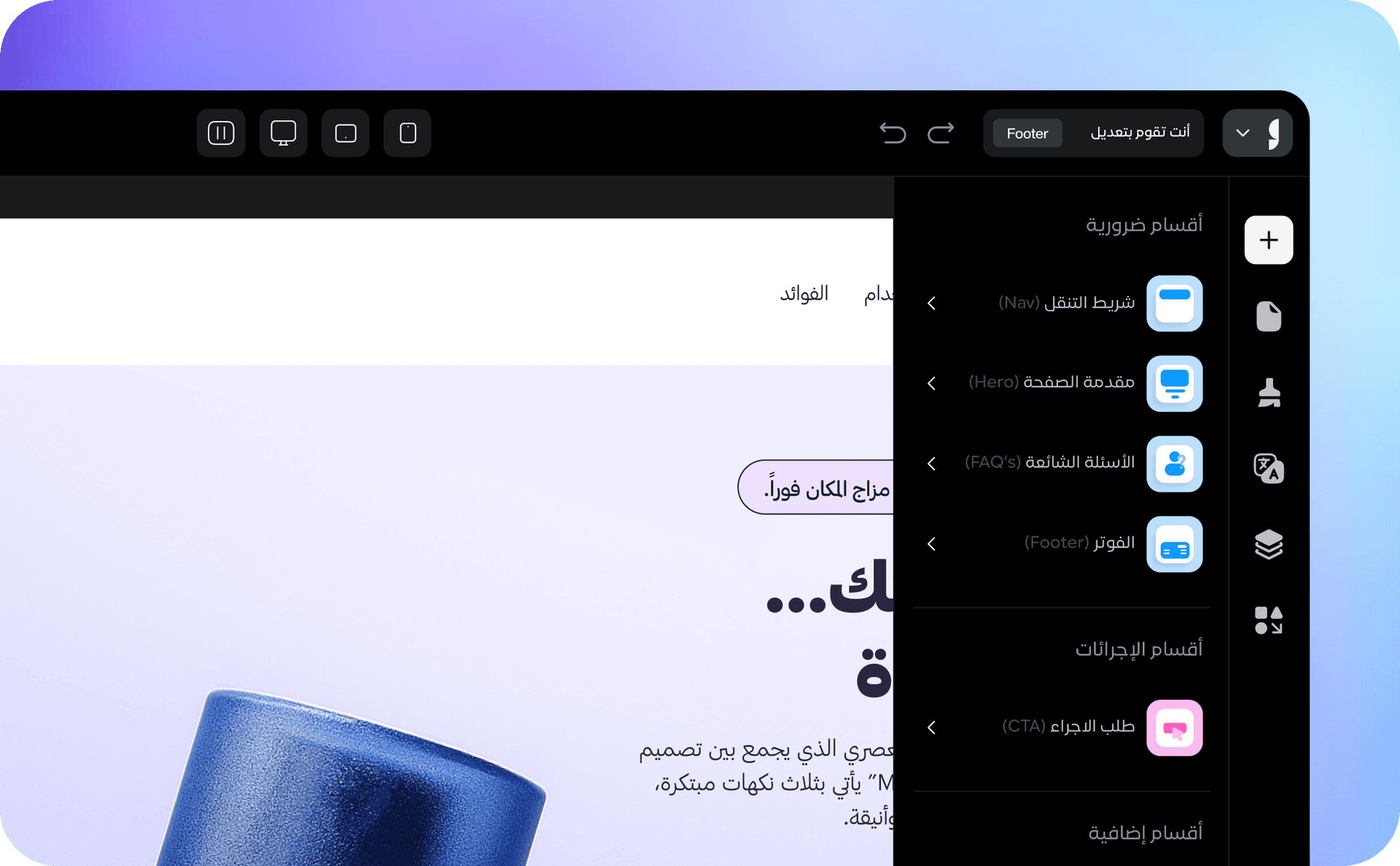
Build your page yourself without any developer
Drag, drop, and edit every part easily from inside the editor
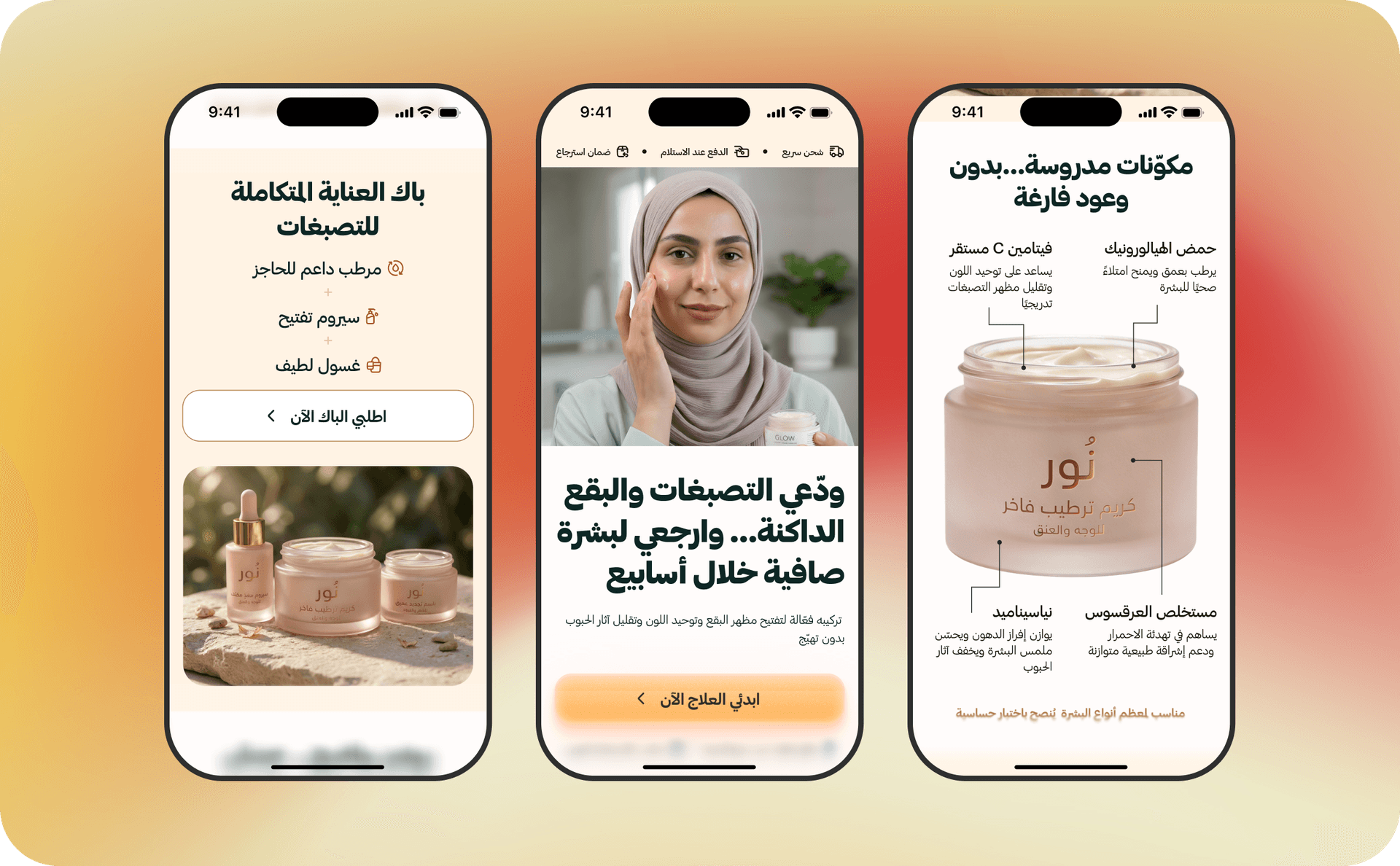
Choose from ready templates built for your campaign type
Every template is designed based on buying behavior in the Arab market
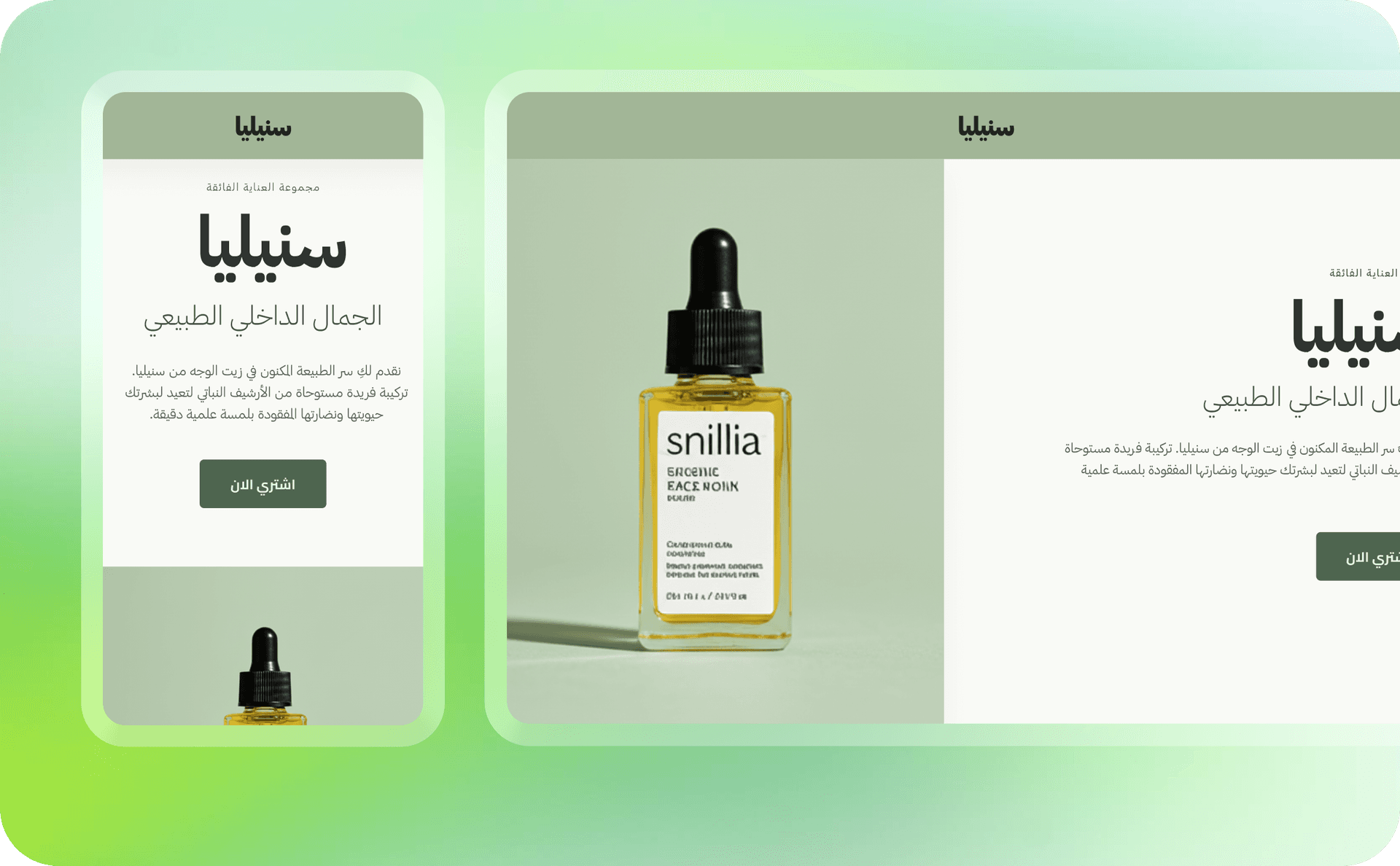
Over 80% of visitors browse from their phone
Your pages are ready and optimized for a smooth mobile experience from the start
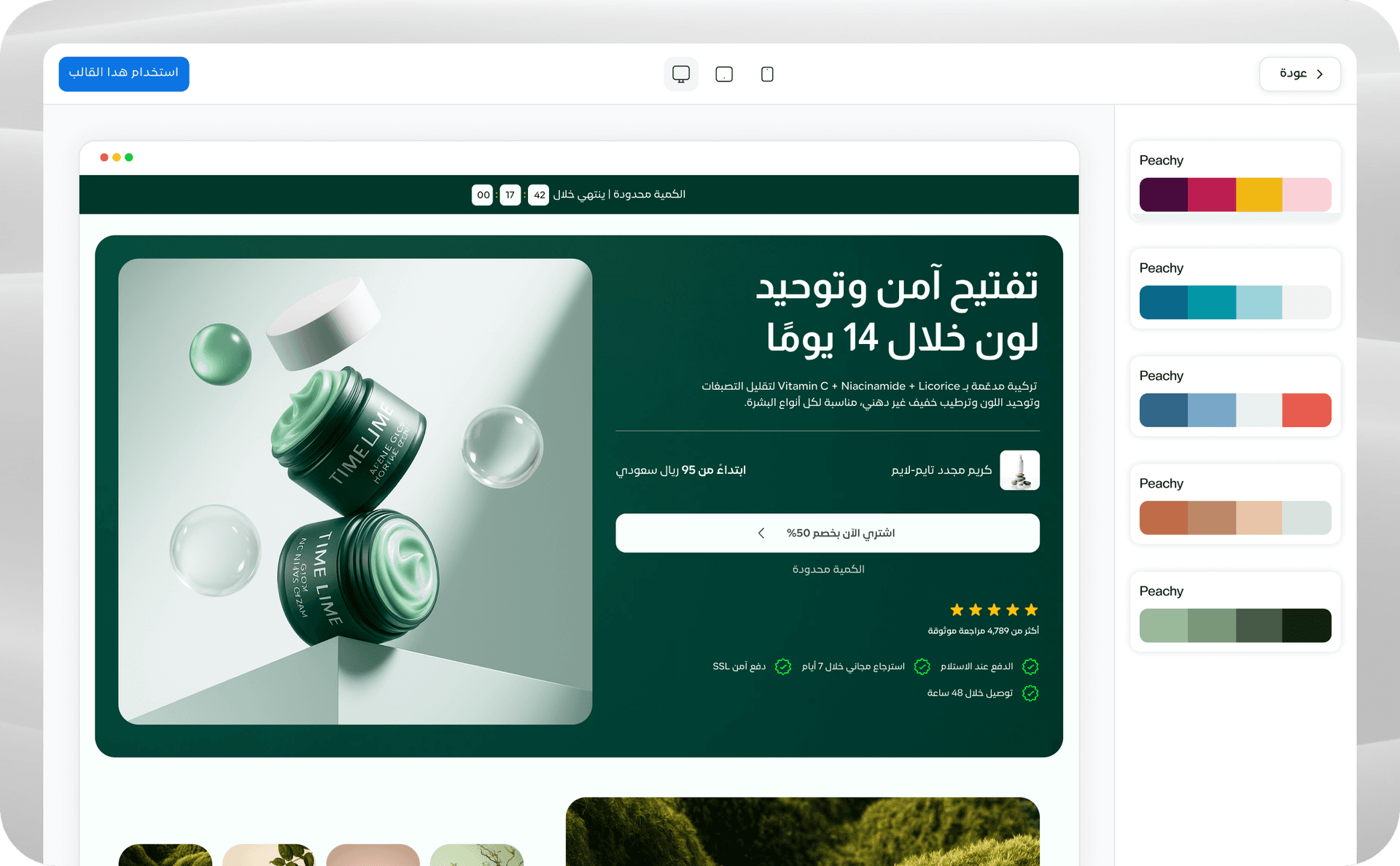
See your page exactly as your customer will before publishing
Review every detail and make sure everything is clear and ready
When you're done, just press "Publish"
We handle the rest: the link, hosting, and page load speed
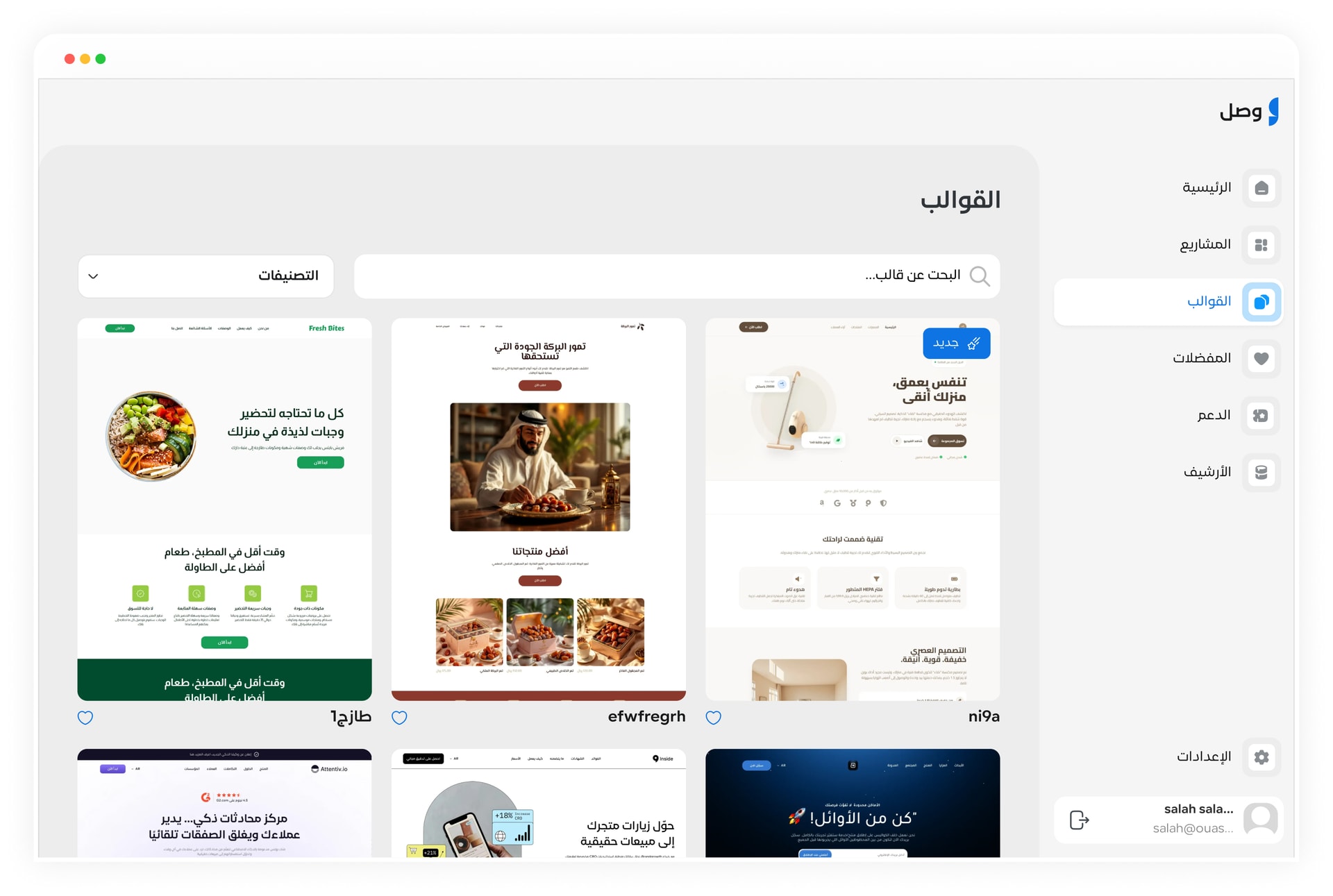
Choose from the Arabic template library by goal: sell, collect leads, launch, or ad campaign.
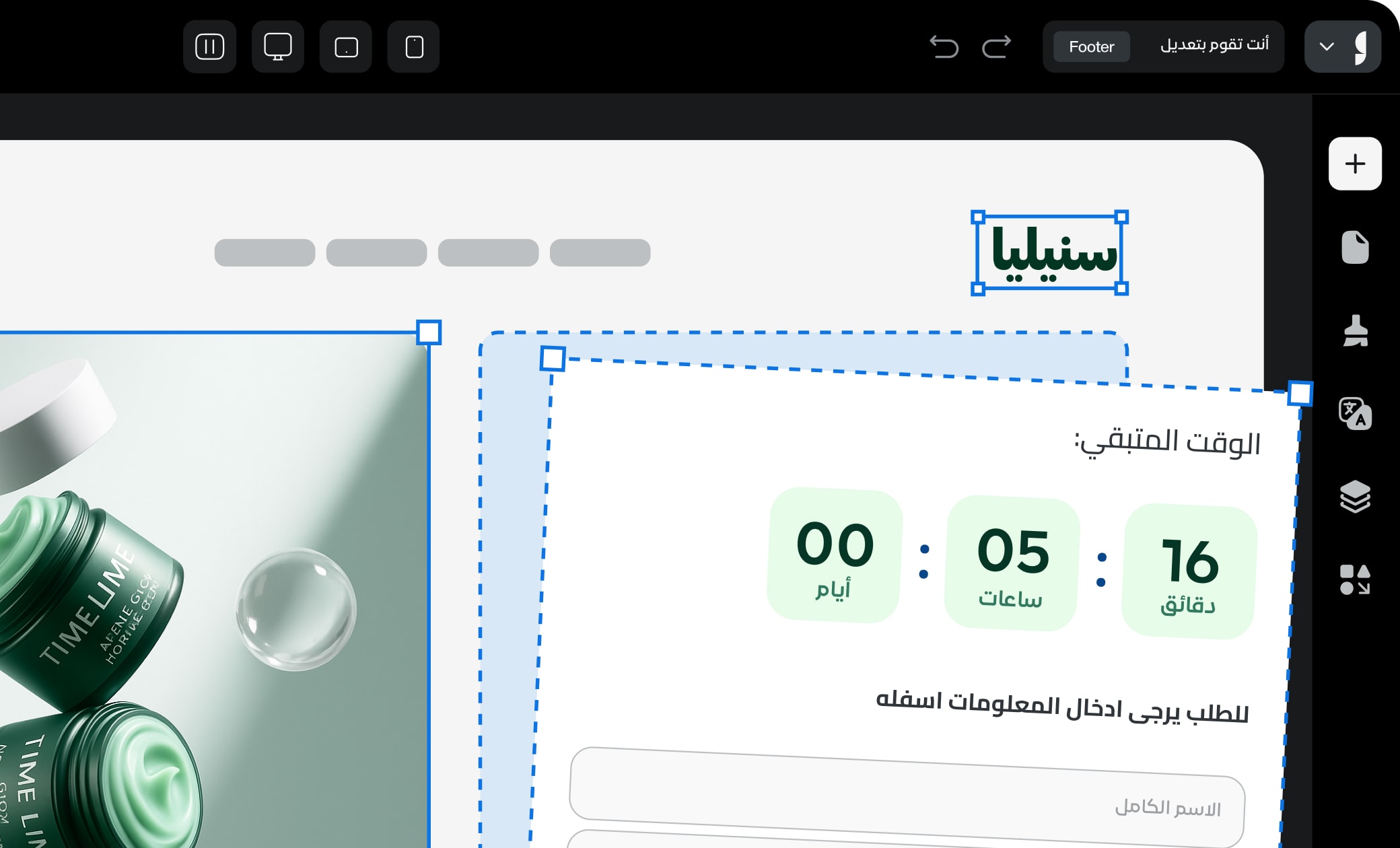
Change text, images, and colors by drag and drop. Add your product, add your offers and elements.
Press "Publish". Your page is ready for ads. Automatic SSL. High speed. Done.
Build your first page in 10 minutes. Free. No card required.